
Vocal remover
The vocals and the backing track as two clean files, in seconds on a graphics card.
Start with 300 bonus credits if you go Premium in the first 72 hours. See plans
For musicians and singers · beta
Eight audio tools on your own PC, and seconds instead of minutes.
Wavee is a little audio studio for your PC. Take the vocals out of a song, split it into vocals, drums and bass, change the key without changing the speed, or find out the key and BPM in a second.
Everything runs on your own computer, on the graphics card if you have one, so nothing is uploaded and no run costs credits. Wavee is in beta for Premium and Ultra members.
Last VirusTotal check
22 October 2026 4 days ago
All 60 scanners found nothing in version 4.2.7
Microsoft Defender: clean
Open the full VirusTotal reportYes. Wavee does what this page describes and nothing more: it only shares your sign-in with yumee.org, nothing runs until you press a button, and every update is checked against its fingerprint before it replaces anything. You can remove it any time in Settings, Apps.
Because it is new. An app without a paid code-signing certificate starts with no reputation, and a few scanners distrust any unknown program that comes as one file and installs and updates itself. That is a guess from the shape of the file, not something harmful found in it, and it fades as more people use the app.
What the scanners notice in Wavee
On the blue SmartScreen screen choose More info, then Run anyway. If Defender moved it to quarantine, restore it in Windows Security, Protection history, once you have checked the fingerprint below.
Compare its fingerprint. In PowerShell, Get-FileHash on the downloaded file must print exactly this:
SHA-256 of Wavee-4.2.7.exe
21f4948b803c3547800c2c706e86ed1524df1ee199faaaf25d9326ac88cd3c19
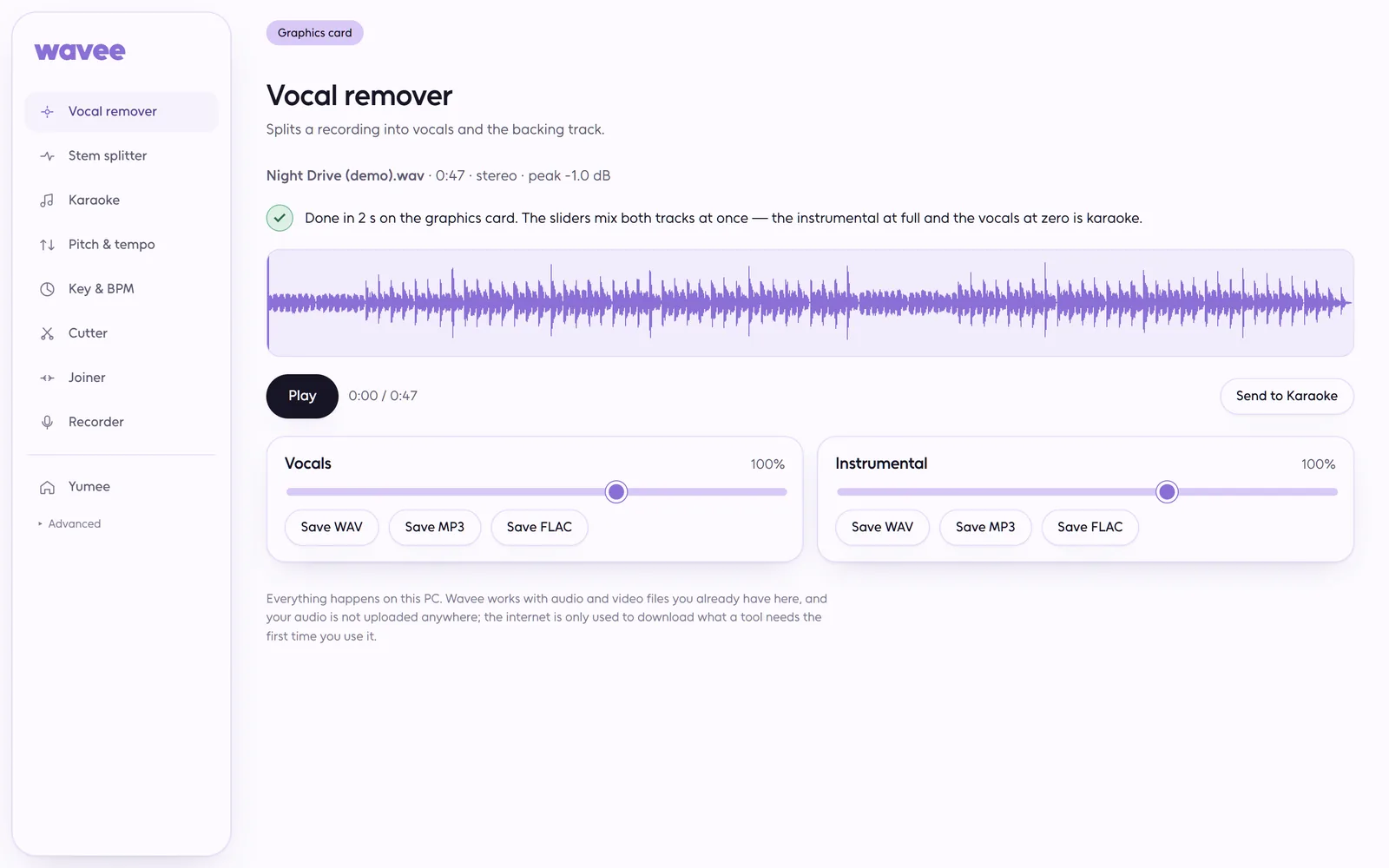
The vocals and the backing track as two clean files, in seconds on a graphics card.
Vocals, drums, bass and everything else, each on its own. Mute one and play along.
A guide vocal you fade in or out, backing vocals if you want them, your own key and tempo. What you hear is what you save.
Up to twelve semitones up or down, half to double speed, one without the other, and voices still sound like voices.
The tempo, the first beat and the key, plus how sure it is. It's an estimate, and it tells you so.
Trim with fades, stitch takes together with a crossfade, or record straight from your microphone.
Your songs, your PC, and a lot more fun with the music you already have.
The first start sets up what Wavee needs on your PC, once. Wavee is in beta and needs the Premium plan.
Any audio format or the sound of a video from your PC, up to thirty minutes.
Separated tracks and edited audio play right there and save as WAV, MP3 or FLAC.
Included in the Premium plan.
Download it and open it once: it installs itself, with a shortcut in the Start menu and on the desktop. Sign in with your Yumee account and it gets what it needs with one progress bar. It keeps itself up to date, and your files stay on your PC.
Version 4.2.7
Version 4.2.6
Version 4.2.5
Version 4.2.4
Version 4.2.3
Version 4.2.2
Version 4.2.1
Version 4.2.0
Version 4.1.0
Version 4.0.0
Version 3.0.0
Version 2.0.0
Version 1.0.0
No. Everything is computed on your PC. The internet only fetches what each tool needs, the first time.
With a graphics card a whole song takes seconds. Without one the processor does the work: a few minutes on an ordinary laptop, and everything still works.
It is very good at vocals and a backing track. Busy mixes can leave a trace of one in the other; "Best quality" goes over the song twice to reduce it.
No. Wavee moved to Windows in 4.0: a graphics card makes it many times faster. The old address now leads here.
One account, every app
The Premium plan opens Wavee; a free account starts with free credits.